

Close the Loop on Every Inspection.
A failed check is only useful if someone owns what happens next. X3 Inspections plans the round, captures what the inspector saw, hands each finding to an owner and brings someone back to confirm the fix held.
- Planned Rounds
- Checklists
- Findings
- Evidence
- Owners
- Rechecks
- ROUNDShipping aisle walkthrough, 8 checkpoints
- 1910.157(e)Monthly extinguisher visual inspection
- 1910.178(q)(7)Truck examined before it goes into service
- 1910.22(d)Walking-working surfaces inspected regularly
- 1910.37Exit routes kept clear
- FINDINGRack end guard needs a closer check
- OWNERFollow-up assigned with a due date
- RECHECKEvidence reviewed before closure
- 1910.303Electrical equipment free of recognized hazards
- 1910.147(c)(6)Periodic inspection of lockout procedures
A Failed Check Should Not Disappear Into a Spreadsheet.
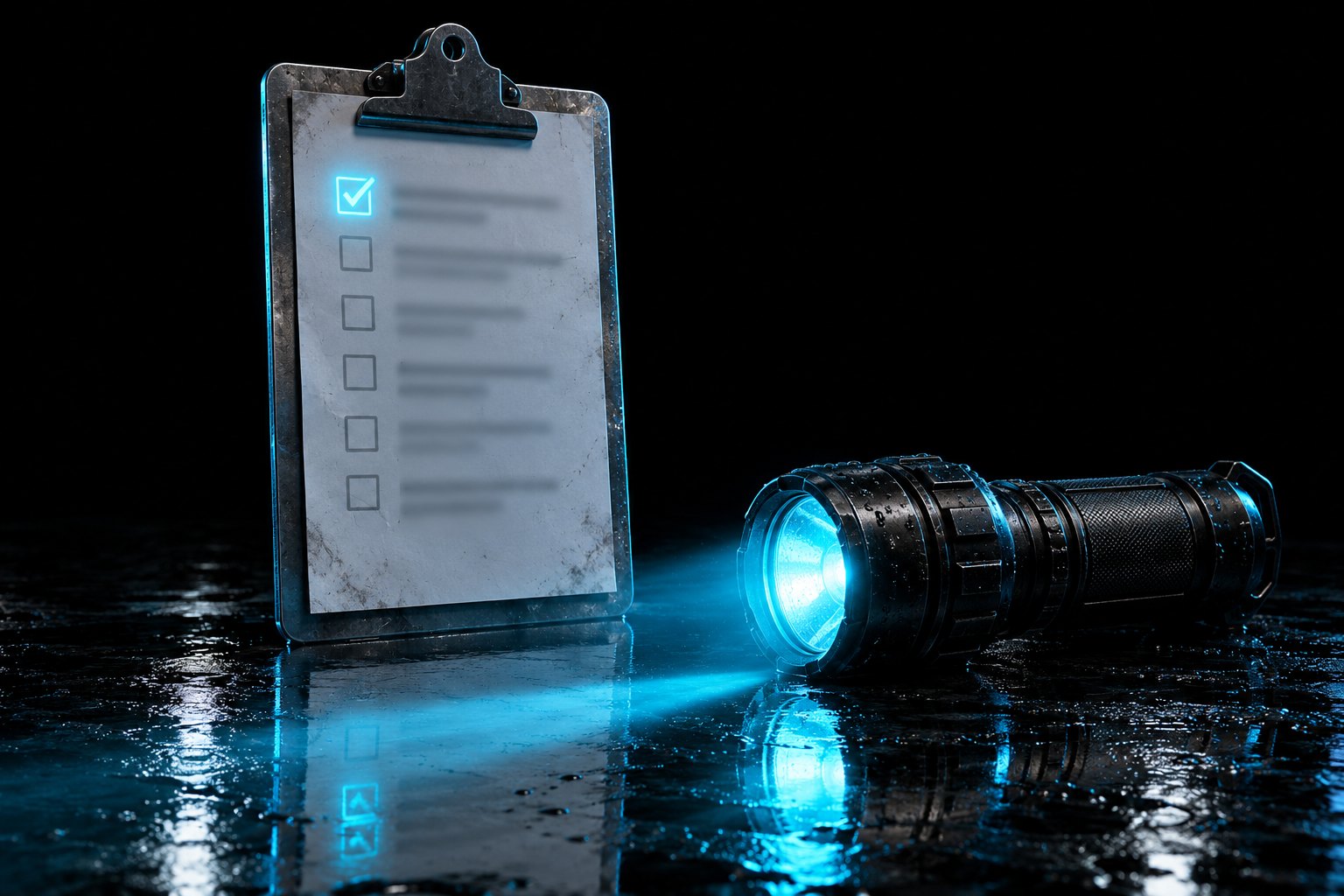
The walk gets done. The box gets ticked "needs attention." Then the clipboard goes back on the hook and nobody is sure who was supposed to fix it. The same finding shows up on next month's round.
A checklist finds the problem. An owner and a recheck fix it.
One Walk In. Owned Follow-Ups Out.
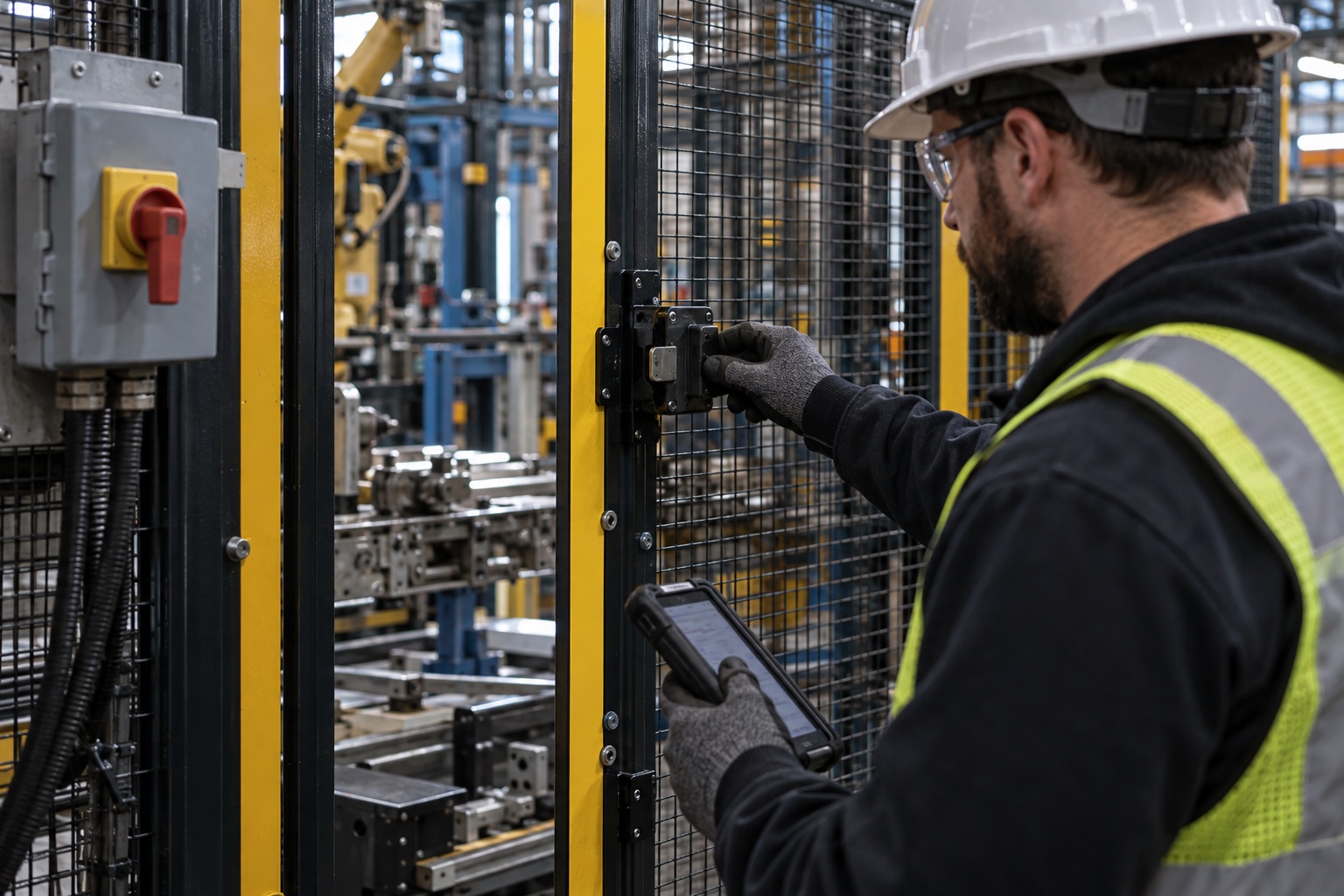
X3 Inspections treats the round as the start of the work. Everything the inspector records stays attached to the place, the person and the next step.
The round
The area, the checklist, the cadence and the role responsible for the walk.
The observation
What was seen, exactly where, separated from any assumption.
The evidence
A photo or note that travels with the finding.
The owner
One person and one due date on every follow-up.
The source record
A finding links to the hazard or asset that owns the fix.
The recheck
Someone returns to confirm the condition changed.
Stop repeating last month's finding. Start closing it.
Every Round. Every Finding. Every Next Step.
A sample week, the way X3 Inspections shows it: what is planned, what is due, what is ready for a second look and what has slipped.

- Rack end guard at Bay 14 is displaced. Owner: shift supervisor
- Exit route at Door 9 is partly blocked by staged pallets (29 CFR 1910.37(a)(3))
- Extinguisher tag at Line 2 is missing this month's check (29 CFR 1910.157(e)(2))
Sample round. Confirm every observation in the field with a qualified person.
7 Working Screens in the Sample Dashboard
- 01OverviewRounds done on time, findings still open and places nobody has walked lately.
- 02Required InspectionsEvery inspection a rule or standard calls for, its frequency and what lapses next.
- 03Run a RoundWalk a checklist the way an inspector does it on a phone, with scoring and findings.
- 04Findings & Follow-UpEvery finding with an owner, a due date and a recheck by someone other than the fixer.
- 05Coverage MapThe site plan shaded by days since each area was last inspected.
- 06Repeat FindingsThe same finding at the same place, traced back through every earlier fix.
- 07Inspector CalibrationFinding rates and walk times by inspector, to spot rounds done too fast.
Plan. Walk. Record. Assign. Recheck.
One path for every routine round, so the person in the field and the person fixing the problem see the same thing.
- 01
Plan the round
Choose the area, the checklist and how often it is walked.
- 02
Walk it
Check each point where the work happens.
- 03
Record what you saw
Keep the failed check, the location and the evidence together.
- 04
Assign the follow-up
Give the next step an owner and a due date.
- 05
Recheck
Go back and look. "Done" is not proof the condition changed.
Completion is not verification. The recheck is.

One Safety Loop. X3 Inspections Owns the “Find” Step.
Twelve products, six steps, one job each. X3 Inspections answers one question for your site: where can someone get hurt? Use it on its own, or add the product on either side of it when that job matters.
- 01
Know
What does OSHA expect of this site?X3 OSHA - 02
Find
Where can someone get hurt?X3 HazardsX3 InspectionsX3 ExposureX3 SDS - 03
Control
What stands between the hazard and the worker?X3 Critical ControlsX3 PPEX3 Equipment - 04
Prepare
Are people ready for the work and the worst day?X3 EducationX3 Emergency - 05
Learn
What is the last event teaching us?X3 Incidents - 06
Command
What needs a leader today?X3 Sentinel
X3 Carries the Finding. Your People Walk the Floor.
The loop only closes when four things happen in the building.

Walk the round
A trained person looks at the real condition.
Confirm the observation
A qualified person decides what the finding means.
Do the repair
The owner fixes it through your normal process.
Go back and look
Someone other than the owner rechecks before it closes.

The Same Finding Never Shows Up Twice.
A round at a site that runs X3 Inspections ends with every finding owned, dated and rechecked.
Know earlier.
See the condition on the walk, not in the incident report.
Own it.
Every finding has a name and a date.
Prove it.
Show the recheck, not just the checkmark.
Walk the Whole Product Today. Bring Your Site in Next.
The sample dashboard is open to everyone, no sign-in. Create an account to run X3 Inspections on your own sites, with your records saved.
$99 a month covers your first 10 employees. Then $10 a month for each employee from 11 to 50, and $5 for each one after that. Cancel any time.
- A completed sample walkthrough with contextual findings, evidence, and owner handoffs.
- Works on its own. No other X3 product required
- Your sites, people and records, saved to your account
- Ask X3 for the regulation behind any question
All 7 X3 Inspections screens with sample data. Nothing you do there is saved or sent.
- Required Inspections
- Run a Round
- Findings & Follow-Up
- And 3 more working screens
$549 a month for X3 Inspections
The sample dashboard uses illustrative data. Prices are per product, per month, in US dollars. Subscriptions renew monthly until cancelled.
Questions Safety Leads Ask About X3 Inspections.
Have one that is not here? Ask X3, or write to us and a person will answer.
Does a completed checklist mean the area is safe?
What is the difference between a finding and an incident?
Does X3 Inspections create work orders or notify people?
Do I have to buy the whole family?
What can I use today?
How does pricing work?
You Already Walk the Floor. Now Make Sure Every Finding Gets Fixed.
Open the sample dashboard and follow one finding from the walk to the recheck.